The Shared Responsibility Model for Microsoft Entra ID and Your Recovery Plan
In this article
A Conditional Access change blocks access to a business application. Entra ID is running normally, but your users cannot work. Your team needs to identify the change, find the previous configuration, and restore access.
The shared responsibility model helps frame who owns that work. Microsoft operates and secures the cloud service. Your organization manages the identities, access rules, and settings inside it, including deciding how they need to be recovered. Microsoft's native recovery tools help, but you still need to check whether they cover your environment.
Where Microsoft's responsibility ends and yours begins
Moving to SaaS removes much of the infrastructure from your workload. You no longer maintain the servers or operating systems behind Entra ID. You still decide who has access, what applications are trusted, and which policies govern sign-in.
Microsoft's shared responsibility guidance keeps customer data, configurations, and identities on the customer's side across cloud deployment models. It also assigns access management to the customer, including role-based access control, multifactor authentication, and Conditional Access.
The SaaS responsibilities relevant here can be summarized as follows.
| Responsibility area | SaaS responsibility |
|---|---|
| Customer data | Customer |
| Configurations and settings | Customer |
| Identities and users | Customer |
| Access management | Customer |
| Applications and client devices | Shared |
| Underlying network controls and operating systems | Microsoft |
| Physical infrastructure | Microsoft |
This is an operational responsibility model, not a substitute for your contract with Microsoft. For an identity team, its practical implication is straightforward. Someone in your organization needs to own recovery requirements, procedures, and testing.
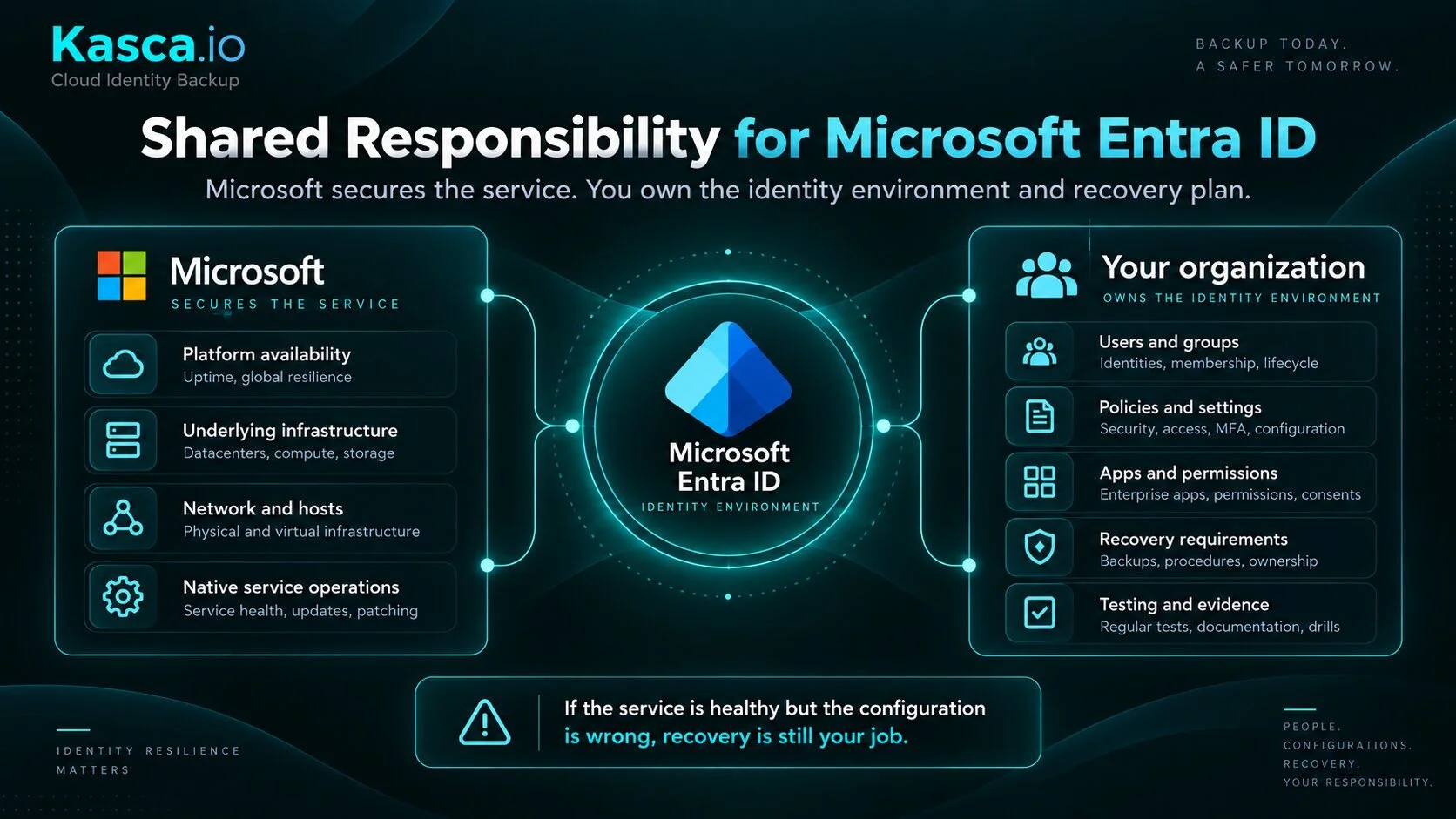
Your tenant can be wrong while the service is working
Identity recovery reaches beyond deleted user accounts. A group membership can grant the wrong access. An application permission can be removed. A valid policy change can lock out the people who need to fix it.
These incidents affect relationships and configuration as well as individual objects. Getting an object back is useful only if the access and application behavior you depend on also work afterward.
Audit and sign-in logs serve a different purpose. They help establish what happened and who made a change. A saved configuration shows the state you may need to recover. Your recovery plan should account for both.
Our guide to Entra ID backup and recovery walks through the directory objects and configuration areas worth including.
What Microsoft's native backup covers
Microsoft Entra Backup and Recovery provides a built-in way to recover supported directory state after unwanted changes. It is available for workforce tenants with Entra ID P1 or P2 licenses. External ID and Azure AD B2C tenants are outside its supported scope.
Supported objects include users, groups, applications, service principals, Conditional Access policies, named locations, and selected authentication and authorization configuration. Microsoft also provides difference reports so administrators can review changes before starting recovery. See the native Backup and Recovery overview for prerequisites and scope.
Microsoft takes one automatic backup per day and keeps each for up to 7 days. Administrators cannot disable, edit, or delete these backups, even with the highest tenant privileges. That protection matters when an administrator account is compromised. Microsoft's backup documentation describes the schedule and retention.
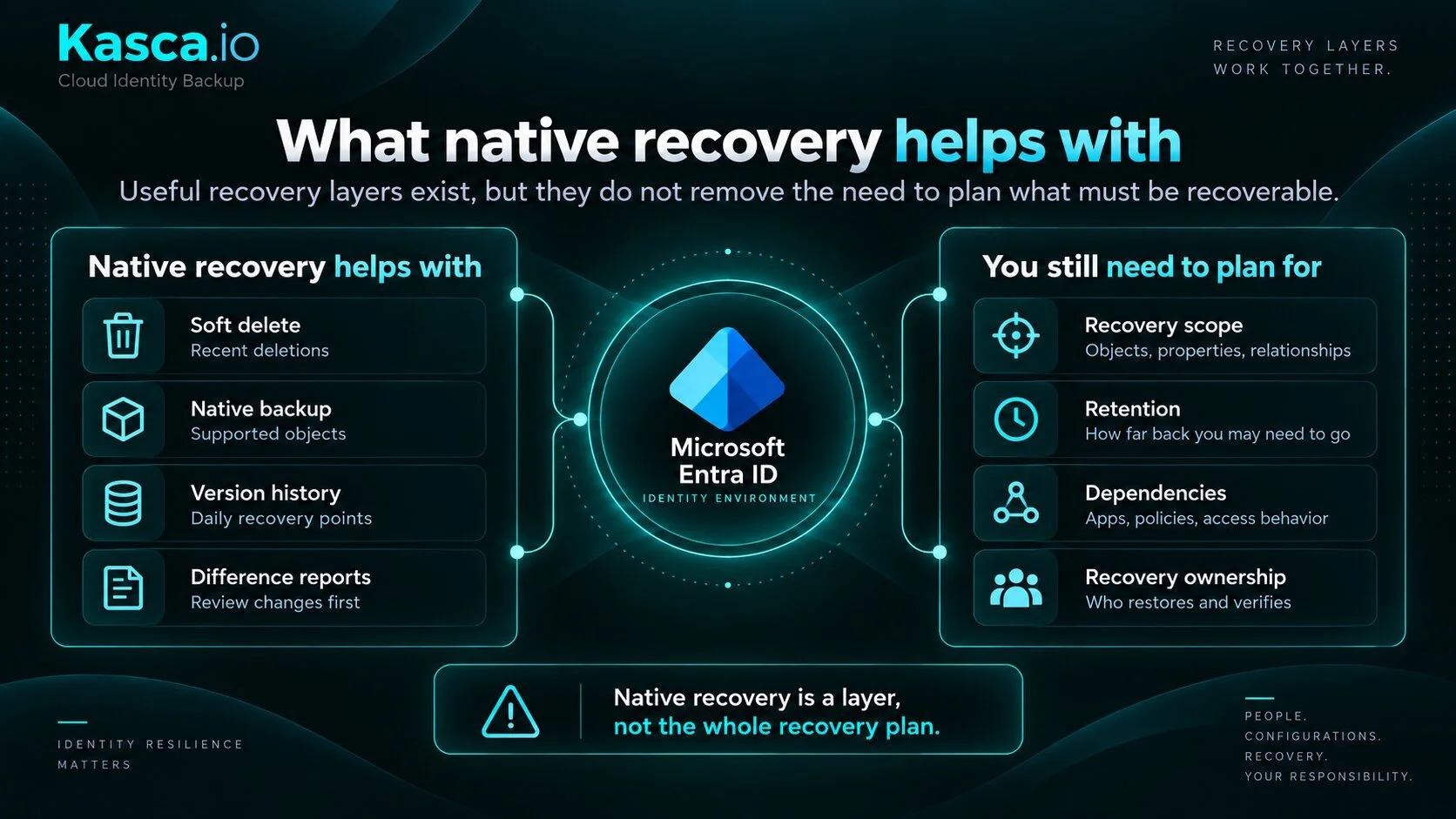
There are still limits to plan around.
A change discovered after the retained recovery points have expired may have no usable earlier state in native backup.
Supported object types do not have complete property and relationship coverage. For example, Microsoft currently excludes group owner links and user manager relationships from link recovery.
Hard-deleted objects cannot be restored or recreated through a native recovery job.
Users and groups whose source of authority remains on-premises Active Directory need recovery in that environment.
These are documented recovery limitations, and they should be checked against the objects your applications actually use.
Soft delete is a separate recovery mechanism. Several supported object types have a 30-day soft-delete window. That does not extend native backup history to 30 days or provide 30 days of configuration rollback. Microsoft's overview explains how the two mechanisms complement each other.
Where an independent backup fits
For some environments, the native recovery window and supported scope will meet the requirements. Other organizations need older recovery points, longer investigation history, or control over where the backup copy lives.
This is the reason we built Kasca around customer-controlled infrastructure. The backup sits outside the tenant it protects, and you decide how long to retain it. Kasca also retains audit and sign-in history so an investigation does not depend solely on the provider's default log window. You can see that approach on the Kasca product page.
We distinguish between independence from the protected tenant, independence from the backup vendor's hosting, and independence from an active license. Existing Kasca backups remain restorable without an active license. Our article on backup independence explains those distinctions.
That independence has a specific scope. Kasca still needs API access to read the directory. Keeping a separate copy does not remove the need for the permissions and functioning Microsoft services required to write restored data back into Entra ID.
Nor does moving the copy onto your infrastructure finish the job. Your team must protect that infrastructure, control access to it, and verify recovery. The benefit is control over the backup and its retention. That control comes with operational work.
Turn the model into a recovery test
A recovery plan needs answers that an administrator can use during an incident.
| Decision | What to establish |
|---|---|
| Recovery scope | Which objects, properties, and relationships must come back for the affected service to work? |
| Recovery history | How long might a bad change remain undetected, and will a usable earlier state still exist? |
| Recovery point | How much change since the last backup can the business accept losing? |
| Recovery time | How quickly must access be restored, including checks after the restore? |
| Recovery access | Who can reach the backup and authorize recovery if normal administrator access fails? |
| Evidence | Which configuration snapshots and logs must remain available for investigation? |
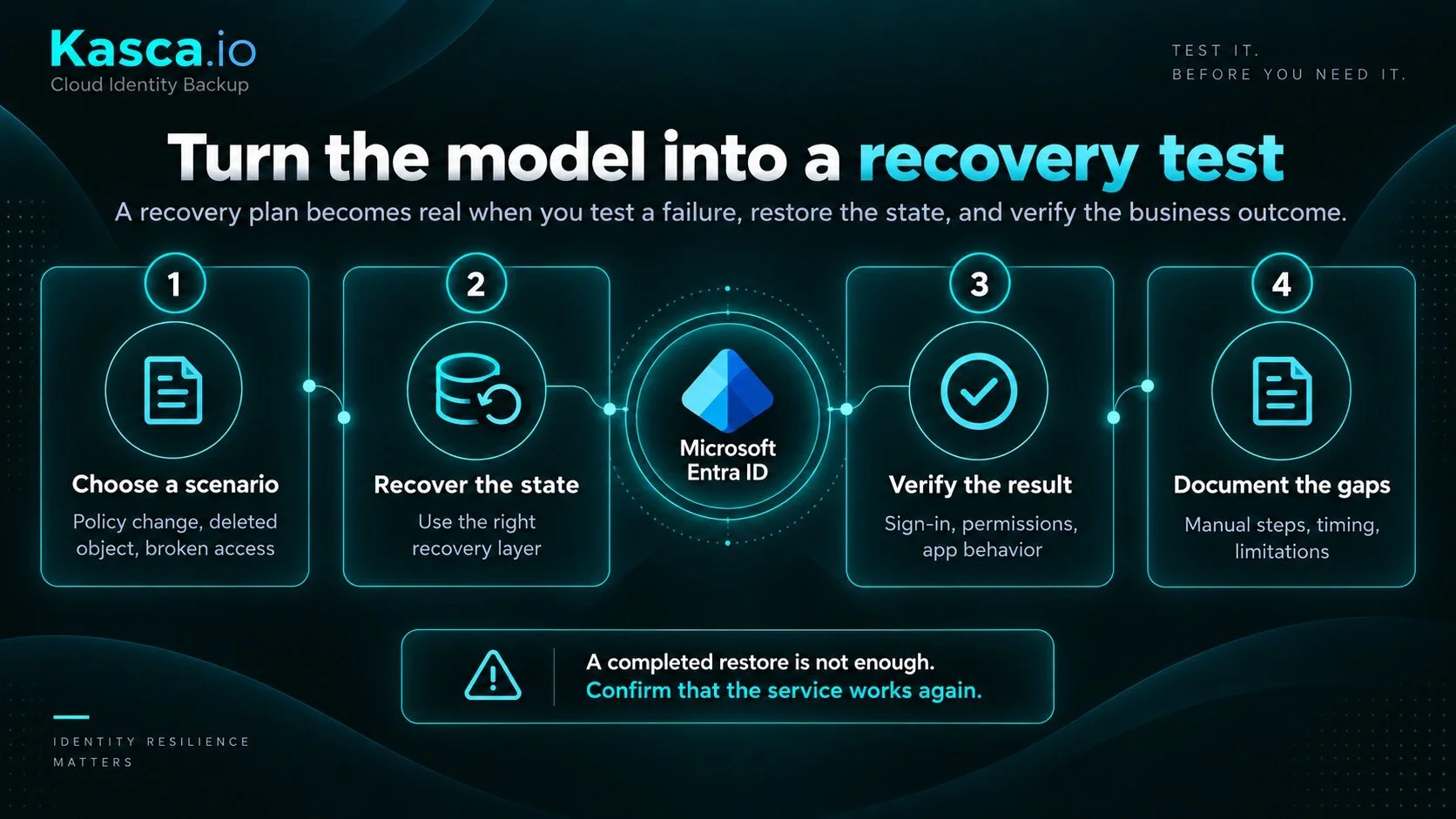
Test a representative failure in a controlled environment. Recover a supported object or configuration, check its dependencies, and confirm that the affected application works. Record any manual repair steps and the time they take.
A completed recovery job is one checkpoint. Successful sign-in and the expected permissions are the business result you need to verify.
What security and compliance teams need to document
For regulated organizations, these decisions also belong in continuity and control documentation. DORA Article 12 addresses backup policies and restoration procedures for financial entities within scope. NIS2 Article 21 includes backup management and disaster recovery in cybersecurity risk management. GDPR Article 32 includes timely restoration of availability and access to personal data within its risk-based security requirements.
These provisions do not prescribe a separate Entra ID backup product. The practical task is to document how your recovery arrangements support the systems and data concerned, including their limitations and the results of testing.
Name the recovery owner. Record the supported scope, retention, access requirements, and any steps that remain manual. If a critical dependency cannot be recovered as planned, assign someone to close that gap.
Decide what your environment needs to recover
Microsoft provides the platform and a useful native recovery layer. Your team needs to establish whether that layer meets the recovery requirements of the business services that depend on Entra ID.
If those requirements include a copy on your own infrastructure and retention you control, explore the Kasca demo. Bring a specific recovery scenario and check the objects, history, and dependencies it would require.
Does your recovery plan go far enough?
See how Kasca adds a customer-controlled recovery layer for Microsoft Entra ID with retention you control, granular recovery, and backups outside the tenant they protect.
Frequently asked questions
Who is responsible for Microsoft Entra ID recovery?
Microsoft is responsible for operating and securing the Entra ID cloud service, while the customer remains responsible for its identities, configurations, access management, and recovery requirements. Your organization therefore needs to decide what must be recoverable, how long recovery points should remain available, and who owns the recovery process.
Does Microsoft back up Entra ID?
Yes. Microsoft Entra Backup and Recovery automatically creates backups of supported directory objects and configurations. However, the service has defined retention, object coverage, property coverage, and recovery limitations, so organizations should compare the native capability with their own recovery requirements.
How long does Microsoft Entra ID native backup retain recovery points?
Microsoft Entra Backup and Recovery creates one automatic backup per day and retains each backup for up to 7 days. Soft deletion can provide a longer recovery window for certain object types, but it is a separate mechanism and does not provide 30 days of configuration rollback.
Can Microsoft Entra Backup recover hard-deleted objects?
No. Microsoft documents that hard-deleted objects cannot be restored or recreated through an Entra Backup and Recovery job. This is one of the limitations organizations should consider when defining which identity recovery scenarios their recovery plan needs to cover.
Does the shared responsibility model mean we need an independent Entra ID backup?
Not necessarily. Microsoft's native recovery capabilities may meet the requirements of some environments. An independent backup becomes relevant when your recovery plan requires capabilities such as longer retention, recovery beyond native limitations, or a backup copy stored on infrastructure your organization controls.